Leeds homes and streets before they’re listed
Last updated: 7 October 2026
Leeds stretches well beyond its city centre, taking in old village centres such as Chapel Allerton, the abbey ruins at Kirkstall and the parkland of Roundhay. HomePinr lets you pin the particular Leeds homes and streets you would genuinely like to live in, whether or not anything there is for sale. Homeowners can claim their property to see that interest, and they decide whether to respond.
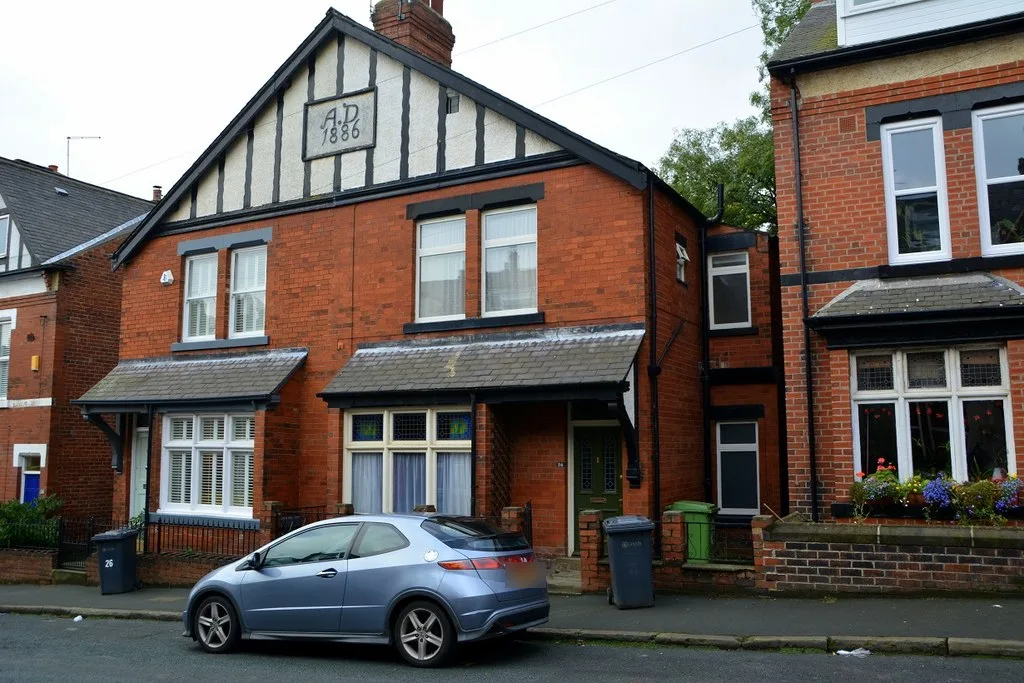
What “pre-market” means on HomePinr
On HomePinr, pre-market refers to homes that are not currently listed for sale on the open market. Buyers can register interest in those homes or streets, but a pin does not mean the property is available or that the homeowner intends to sell.
Leeds city centre, the Leeds council area and LS postcodes
Leeds city centre is only a small part of Leeds.
The Leeds City Council area covers much more: inner neighbourhoods such as Headingley and Holbeck, suburbs such as Roundhay and Meanwood, and separate towns such as Horsforth, Otley, Wetherby and Pudsey.
West Yorkshire is made up of five council areas: Bradford, Calderdale, Kirklees, Leeds and Wakefield. The others are separate from Leeds, even where they border it.
LS postcode districts, such as LS7, are Royal Mail delivery areas. They don’t follow neighbourhood or council boundaries exactly, and some LS postcodes are outside the Leeds council area. Search for the exact address or street you mean.
Leeds neighbourhoods to explore
A few parts of Leeds, and what gives each its own character:
Chapel Allerton
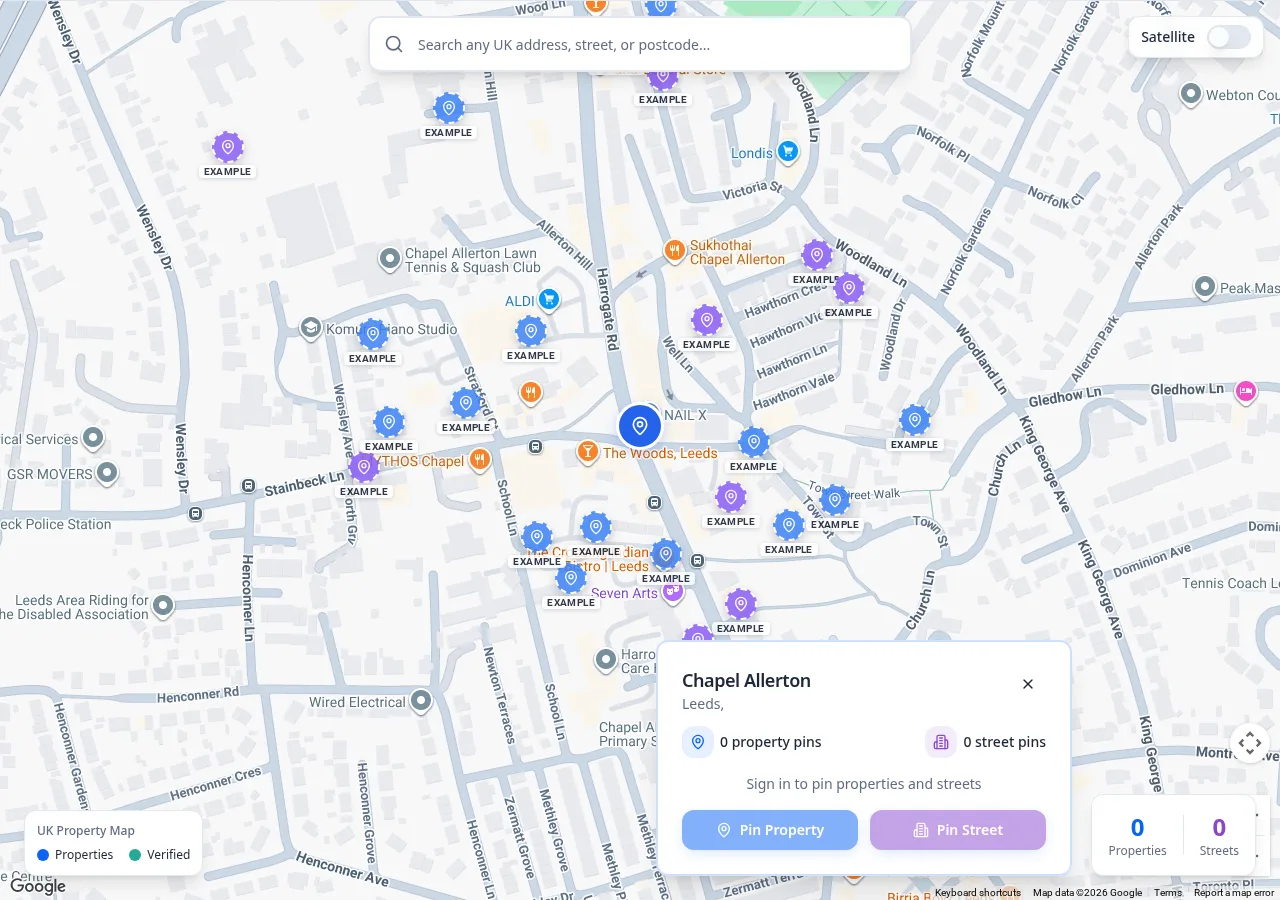
North of the city centre, Chapel Allerton is a historic township with medieval links to Kirkstall Abbey. In the 18th century it became a popular retreat for wealthy Leeds merchants and clothiers, and it keeps much of its village character, with late-18th- and early-19th-century buildings around Regent Street and Town Street and stone walls along many roads. Its outer streets have late-19th- and early-20th-century terraces. Today the centre sits around the junction of Harrogate Road and Stainbeck Lane, and much of the area is a conservation area.
Kirkstall
West of the centre, Kirkstall is home to Kirkstall Abbey, the Grade I-listed ruins of a Cistercian abbey founded on the site in 1152 and now run by Leeds Museums and Galleries. Kirkstall Forge station, on the line between Leeds and Shipley, opened in 2016.
Roundhay
In north-east Leeds, Roundhay sits beside Roundhay Park, about three miles from the city centre. The park covers more than 700 acres of parkland, lakes, woodland and formal gardens, and includes the Tropical World attraction.
Meanwood
North-west of the centre, Meanwood is the starting point of the Meanwood Valley Local Nature Reserve, which runs out towards Adel and Alwoodley. The seven-mile Meanwood Valley Trail passes through Meanwood Park on its way from Woodhouse Moor to Golden Acre Park.
Holbeck and the South Bank
Just south of the city centre, Holbeck developed about two hundred years ago around steam-powered flax mills, foundries and workshops. Its industrial heritage includes the Grade I-listed Temple Works, with its Egyptian-style façade, and the towers of Tower Works, and much of it lies within the Holbeck Conservation Area.
Headingley and Horsforth
Headingley, north-west of the centre, is home to Headingley Stadium, and both Headingley and Burley Park stations are on the Harrogate line. Further out on the same line, Horsforth is a town within the Leeds council area with its own town council and an adopted neighbourhood plan.
These descriptions are a starting point, not a recommendation. They don’t mean anyone has pinned or claimed homes in these areas.
Pinning a Leeds street
- Find your bearings first. In Chapel Allerton, for example, start where Harrogate Road meets Stainbeck Lane.
- Then choose the street. Northbrook Street, in LS7, is an example of a single street you might pin.
- Confirm the postcode. Nearby roads aren’t always in the same postcode district, and an LS postcode doesn’t always mean the Leeds council area.
- Pin what you’d really consider. Keep your pins to places you could see yourself living, and change them as your plans develop.
Buying your first home in Leeds
First-time buyers often start with the question of where, not what — somewhere near work, perhaps, or close to a station or transport link you use regularly.
While you save or arrange a mortgage in principle, you can pin the Leeds streets and homes you’re interested in and refine them as your search narrows. A pin isn’t an offer and doesn’t commit you to anything.
Leeds homeowners: claiming your property
Whether your home is a Chapel Allerton terrace or a house in Horsforth, you can claim it to see the buyer interest recorded for your home and street — with no need to be planning a move.
Recorded interest isn’t a valuation. Claiming is a self-declaration: HomePinr does not currently check ownership independently, and each property can only be claimed once.
How a match works
A match occurs when a buyer’s pinned home or street overlaps with a claimed property, in whichever order they happen. Both can be notified, and they can talk through HomePinr’s messaging, where buyers are shown to homeowners by general labels rather than names.
Claiming isn’t a decision to sell, and a match doesn’t guarantee a reply, a viewing, a sale or a purchase.
Using HomePinr alongside Rightmove and Zoopla
Rightmove and Zoopla help buyers search homes currently marketed for sale. HomePinr works alongside them by letting buyers register interest in Leeds homes and streets that aren’t currently listed. It doesn’t replace an estate agent or a property portal.
Towns within Leeds, and places beyond it
Within the Leeds City Council area (but not part of Leeds city centre):
- Otley — a market town in Wharfedale, in the north-west of the council area.
- Wetherby — a town in the north-east of the council area, linked to Spofforth and Thorp Arch by the Wetherby Railway Path.
- Pudsey — a town to the west, between Leeds and Bradford.
Outside the Leeds City Council area:
- Bradford and Shipley — in the Bradford council area, connected to Leeds by the Leeds–Bradford rail line.
- Wakefield — a city with its own council, south of Leeds in West Yorkshire.
- Harrogate — in North Yorkshire, at the far end of the Harrogate line from Leeds.
Leeds questions
Can I pin a Leeds home that isn’t for sale?
Yes. You can pin any home or street you’d genuinely consider. A pin records your interest; it doesn’t mean the property is available.
Are Otley and Wetherby part of Leeds?
They’re towns within the Leeds City Council area, though not part of the city centre. On HomePinr you pin the exact home or street, wherever it is.
Can I pin homes in Bradford or Harrogate?
Yes. HomePinr works across the UK, not only within Leeds.
Does a Leeds homeowner have to be planning to sell?
No. Claiming lets homeowners see recorded interest without any commitment to sell.
Does HomePinr replace Rightmove, Zoopla or an estate agent?
No. HomePinr isn’t an estate agent or a property portal, and works alongside them.
More HomePinr city guides
Manchester · Liverpool · Birmingham · London · Cardiff · Glasgow · Edinburgh · Newcastle · Bristol
Across HomePinr
UK-wide figures — not Leeds totals.
Free to use
Signing up, pinning and claiming are currently free.
New to HomePinr? Read What is HomePinr? · Back to the HomePinr homepage